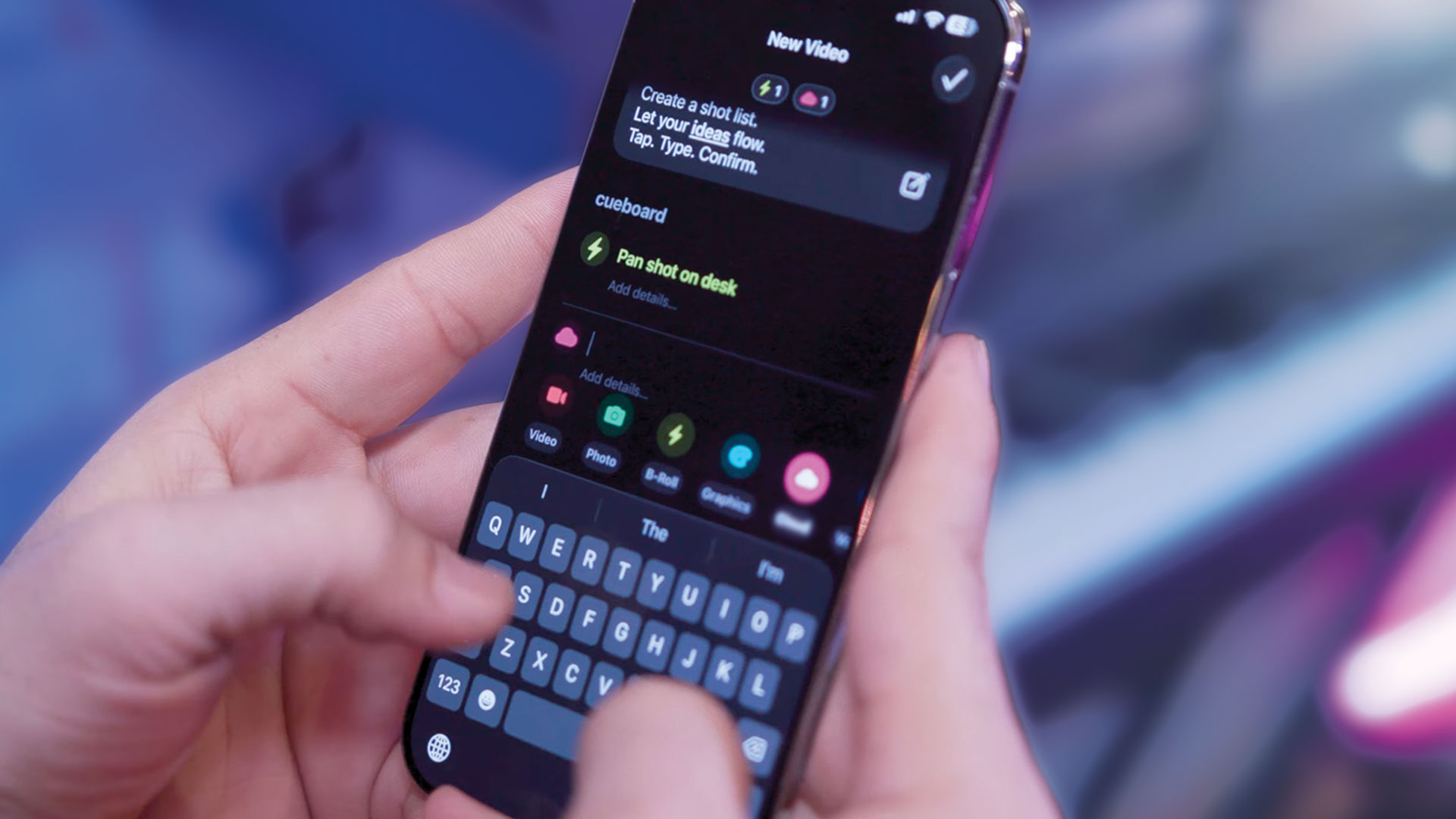
When most people hear the phrase shot list, they picture a checklist you use before filming.
And that's a perfectly valid way to use one.
But here's what's interesting: the same tool can adapt to serve very different purposes depending on when you're using it and what problem you're trying to solve. Over time, creators tend to discover this organically, usually while stuck in an edit or trying to make sense of footage they already captured.
Shot lists are more flexible than they first appear. They can support three distinct scenarios, each useful in its own right. Understanding these differences can make planning, creating, and editing feel far less chaotic.
1. Capture-Only Shot Lists
This is the traditional, most widely understood type of shot list.
A capture-only shot list exists to support production. It’s about logistics, reality, and time.
These lists are usually ordered by:
- setup
- location
- lighting changes
- physical constraints
- what needs to be filmed while something is available
Completion means one thing: the footage exists.
Once filming is done, this type of list is often abandoned. It did its job. The problem is that the project usually isn’t done yet.
Capture-only lists are great when:
- you need to make sure nothing is forgotten on set
- multiple people are involved
- the cost of missing a shot is high
They are less helpful once you’re staring at a timeline full of clips.
2. Edit-Only Shot Lists
This is the one almost nobody names, even though nearly everyone uses it in some form.
An edit-only shot list exists after filming. It’s not about what was captured, but about what the video is supposed to become.
These lists are usually ordered by:
- narrative flow
- pacing
- emotional beats
- structure of the final piece
Completion doesn’t mean “we filmed it.” Completion means “this made it into the cut.”
Edit-only lists are incredibly useful when:
- you already have footage
- you feel lost in the timeline
- everything feels usable, but nothing feels decisive
Instead of guessing, you externalize decisions. The list becomes a map through the edit.
If you're building an edit-only list, custom cue types can help you categorize shots in ways that match your editing workflow, like "Intro Hook," "Transition," or "Outro CTA."
3. Capture + Edit Shot Lists (Mirrored)
Sometimes the shot list is the video.
In a capture + edit setup, the list mirrors both how the video is filmed and how it’s assembled. You shoot in order. You edit in order. The list becomes the spine of the final result.
This approach works well when:
- the concept is tightly structured
- the video relies on escalation or sequence
- efficiency matters
- you want to minimize decision-making later
In this case, completion means: the plan became the output.
Many creators already work this way without explicitly naming it. If you’ve ever filmed something specifically so it could be edited in the same order, you’ve used this model.
Why This Distinction Matters
Problems tend to show up when we assume there’s only one way to use a shot list.
- A capture list doesn’t always help you edit.
- An edit list doesn’t always help you film.
- A mirrored list doesn’t fit every project.
None of these approaches are better than the others. They’re situational.
The real issue isn’t choosing the “right” kind of shot list. It’s realizing that a shot list is just a tool for expressing intent, and intent changes as a project moves forward.
Where This Leaves You
Some projects need structure before the camera turns on. Some projects need structure after the footage exists. Some projects need structure all the way through.
The important thing is having a system that doesn't force you to decide up front which kind of project you're making.
That's where Cueboard fits in.
Cueboard doesn't assume a shot list is only for filming or only for editing. It doesn't care whether your list mirrors reality, corrects it, or ignores it entirely. It just gives you a place to organize the work however the project actually needs it, whether you're starting from scratch or using one of our free templates.
Same app. Different uses. Same footage. Different purposes.
And that flexibility turns out to matter a lot more than it sounds at first.