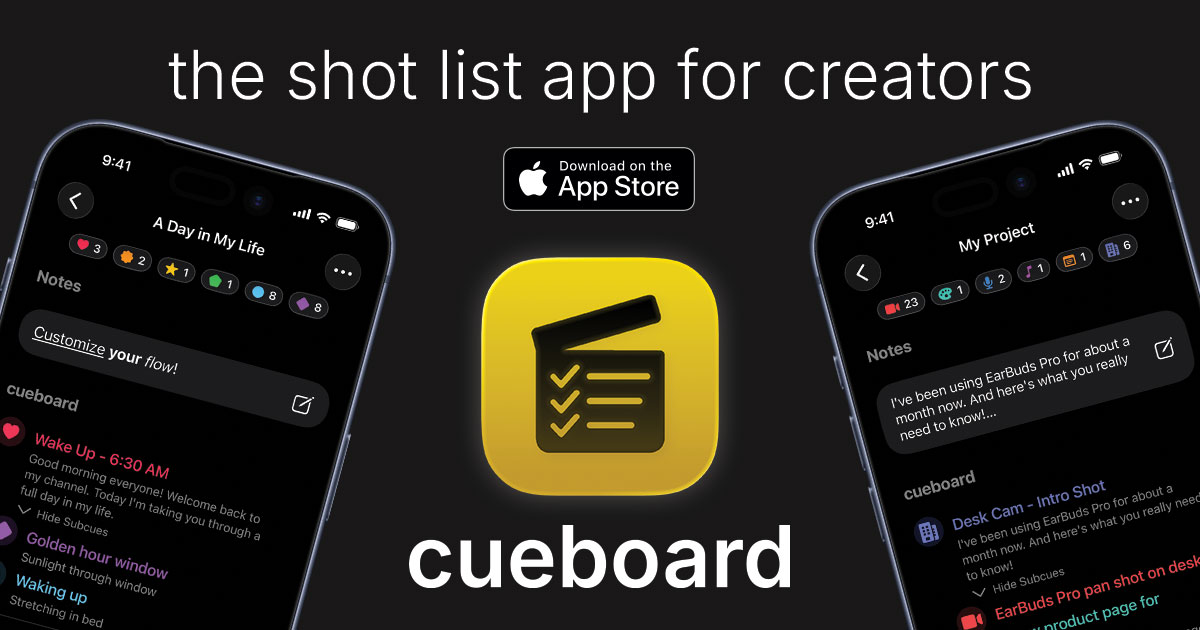
If you're a content creator, filmmaker, or video producer, you know the chaos of keeping track of every shot you need to capture. Sticky notes, scattered documents, endless spreadsheets... it's exhausting. That's exactly why Cueboard exists.
The Problem with Traditional Shot Lists
Most creators start with the best intentions. You open a Google Doc or grab a notebook and start jotting down shot ideas. But then reality hits:
- Your notes are on your laptop, but you're on set with just your phone
- You can't remember which shots you've already captured
- Your collaborator is working from a different version
- That brilliant idea you had at 2 AM? Lost in a sea of random notes
Sound familiar? You're not alone. Every creator faces this friction between ideation and execution.
What Makes Cueboard Different
Cueboard isn't just another note-taking app with a film industry skin. It's built from the ground up for how creators actually work.
Flow Mode: Capture Ideas at the Speed of Thought
When inspiration strikes, you need to capture it now. Flow Mode lets you tap, type, and confirm, instantly moving to the next shot. No friction, no menus, no hunting for buttons. Your ideas flow directly into a structured shot list.
Cue Director: AI That Actually Understands Video Production
Have a vague idea like "unboxing video for new headphones"? Cue Director uses Apple Intelligence to transform that into a complete, structured shot list. Opening sequence, detail shots, B-roll suggestions—all generated in seconds, completely on-device and private.
Sync Everywhere, Work Anywhere
Start planning on your Mac, refine on your iPad during the commute, and check off shots on your iPhone while on set. Everything syncs seamlessly through iCloud. And yes, it works offline too, because remote locations don't always have WiFi.
Real Collaboration, Not Just Sharing
Share a project or folder with your team, and everyone sees changes in real-time. Read-only for clients who just need to review, full access for your editor or DP. The colored overlays make it instantly clear who owns what—no confusion, no stepped-on toes.
Built for Creators, by Creators
Cueboard wasn't designed in a vacuum. It's built by people who've been on set at 5 AM, who've lost shot ideas in the chaos of production, who understand that the best tool is the one you'll actually use.
Every feature in Cueboard answers a real problem:
- Custom cue types because your workflow isn't generic
- Visual storyboards because sometimes a reference image says it all
- Export to PDF/DOCX because clients still want printable documents
- Templates because you shouldn't rebuild your workflow for every project
Start with a Template
Don't want to build from scratch? Export a project you've created as a template and reuse it for future videos. You can browse the Free Template Library or check out this example of a documentary template you can download right now:
Click the preview to expand it, explore the cues, and see how a professional shot list is structured. You can download it here, import directly into Cueboard, and jump right into editing it to make it your own.
The Bottom Line
Your creative energy should go into your content, not into wrestling with disorganized tools. Cueboard removes the friction between your ideas and your final product.
Whether you're a solo YouTuber planning your next video or a small team coordinating a video shoot, Cueboard scales to fit your workflow.
Ready to try it? Download Cueboard on iPhone, iPad, and Mac. Your shot list is waiting.